ONE thing you need to do to boost your Wi-Fi signal

Share

Slow speeds are a pain, and as many of us continue to work from home, we have never been more reliant on our Wi-Fi.
With slow Wi-Fi being the main reason for glitching video calls and buffering web pages, Les Roberts, a connectivity expert at the comparison site Bionic, has revealed the one simple thing you can do to give your Wi-Fi an extra boost!
Expert urges people to check their routers
A replacement router and boosters can become expensive, so you must check your existing router!
Routers are often seen as ugly, so it’s simple to understand why people hide them behind TVs or at the back of a bookcase, however by doing this you are limiting your Wi-Fi signal!
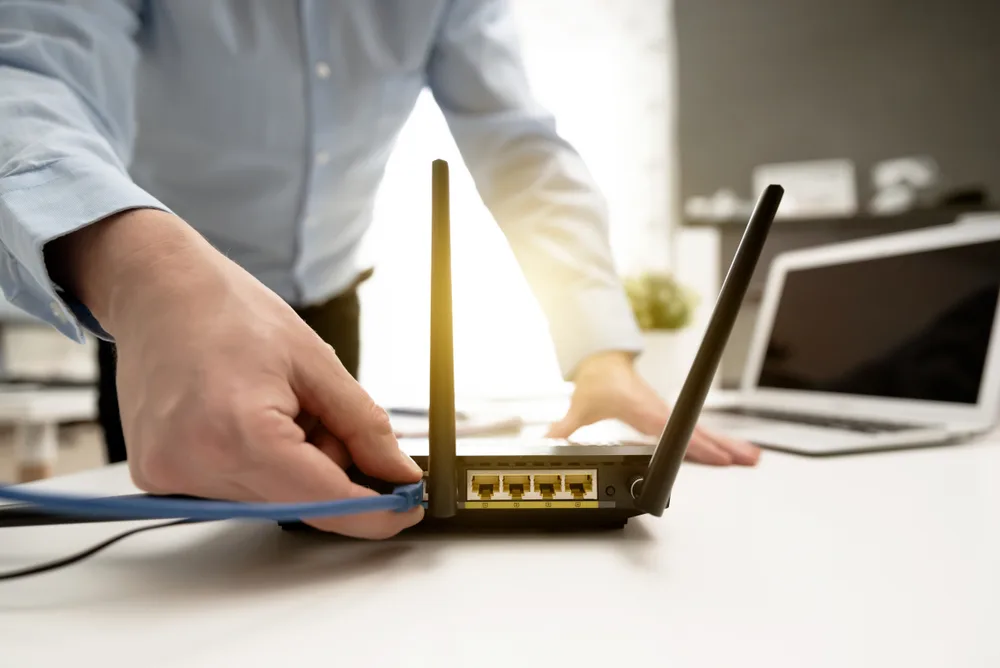
You’ll get the best Wi-Fi coverage if you place your router somewhere central, out in the open, and not covered by any obstructions.
It’s also important not to put your router next to doors, walls, cordless phones, and even microwaves, as these can all hinder the performance of your Wi-Fi.
Using your router manual, you can also check how to change the channel your router transmits on. Check it’s on channels 1, 6 or 12 to avoid any frequency overlap and make sure you’re getting the best speed. To do this, simply check the side or bottom of your router for the login details.
About Bionic
Bionic is a comparison service for business, a one-stop shop for all the essential services SMEs need. Bionic’s tech-enabled experts match business owners with tailored business energy, insurance, connectivity, and finance solutions from their panel of trusted UK providers, suppliers and products.