TV Cleaning Advice For A Streak-Free TV

November 29, 2023
Share
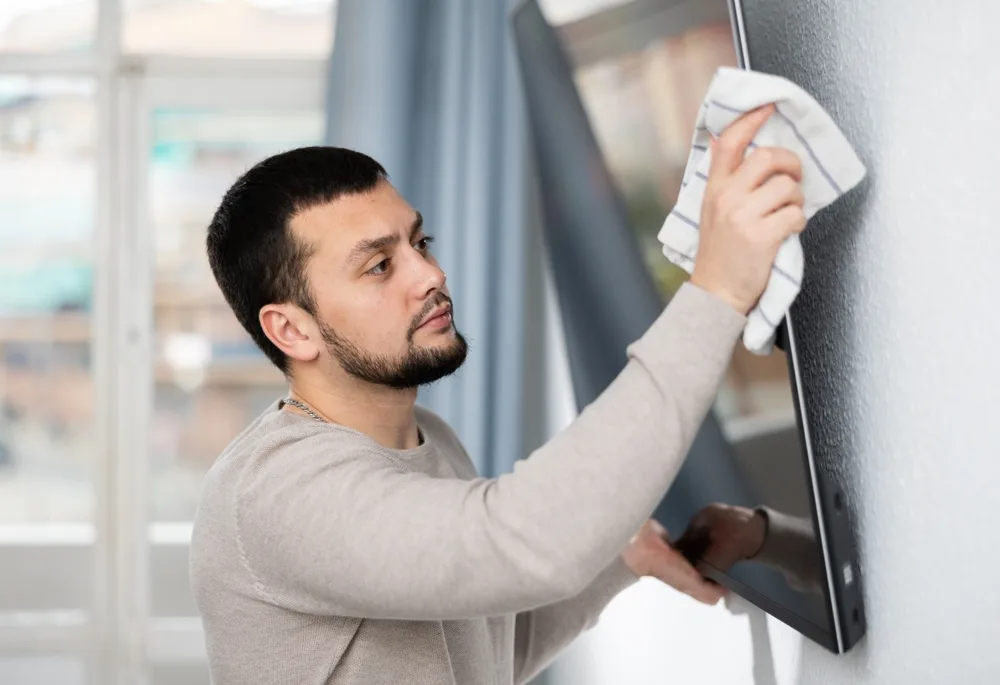
Recent data revealed that over 27 million UK households (almost 95%) had at least one TV in their homes and can currently spend 28 hours of every week glued to their screens, clocking up to 112 hours a month.
However, smudge marks, dust, and fingerprints will accumulate and cloud the clarity of the screen and they should be cleaned at least once a week!
So with this in mind appliance expert Marc Toombs at Grade A Technology who specialises in refurbished devices has given his advice on how to clean your TV without Using harsh chemicals which could damage the screen
“To clean your TV without causing damage, follow these steps and avoid using the following chemicals:
- Power Off and Unplug: Before you start cleaning, turn off your TV and unplug it from the electrical outlet to ensure safety.
- Dust Removal: Use a microfiber cloth or a soft, lint-free cloth to gently wipe away dust from the TV screen and frame. Start from the top and work your way down to prevent dust from resettling.
- Cleaning the Screen: Moisten a microfiber cloth with distilled water or a 50/50 mixture of distilled water and white vinegar. Make sure the cloth is not dripping wet; it should be just damp.
- Wipe the screen: Gently wipe the screen in a circular motion, being careful not to press too hard or use excessive force. Start from the centre and work your way outwards. If necessary, use another dry microfiber cloth to remove any remaining moisture or streaks.
- Cleaning the Frame and Edges: Use a clean, slightly damp microfiber cloth to wipe down the frame and edges of the TV. If there are stubborn spots or grime, you can use a mild soap solution (mix a few drops of gentle washing-up liquid with water) on the cloth to clean these areas.
- Cleaning Ports and Vents: Use a can of compressed air or a soft-bristled brush to gently clean the ports and vents on the TV. This will help remove any dust or debris that may have accumulated.
- Remote Control: Remove the batteries from the remote control and use a microfiber cloth slightly dampened with water or a washing-up liquid solution to wipe the remote’s surface. Use a cotton swab dipped in rubbing alcohol to clean the buttons and crevices. Ensure it’s not dripping wet and allow it to dry before reinserting the batteries.
- Allow to Dry: Let the TV and remote control air dry completely before plugging in and turning on the TV.
- Regular Maintenance: To keep your TV clean, regularly dust the screen and frame with a dry microfiber cloth and occasionally use a slightly damp cloth for deeper cleaning.
Remember, avoid using abrasive cloths, paper towels, or harsh chemicals as they can damage the screen or protective coatings on your TV. Always check your TV’s user manual for specific cleaning recommendations from the manufacturer.
Chemicals to avoid:
- Ammonia-based cleaners: They can damage the anti-glare coating on the screen.
- Alcohol: High alcohol content can harm the screen’s protective layer and cause discolouration.
- Abrasives or harsh scrubbing pads: These can scratch or damage the screen surface.
- Acids or alkaline substances: They can react with the screen’s materials and cause irreparable damage.
- Window cleaners: They may contain ammonia or alcohol, which can be harmful to the screen.
Stick to gentle, safe cleaning methods and use only mild solutions specifically designed for electronic screens to ensure the longevity of your TV”